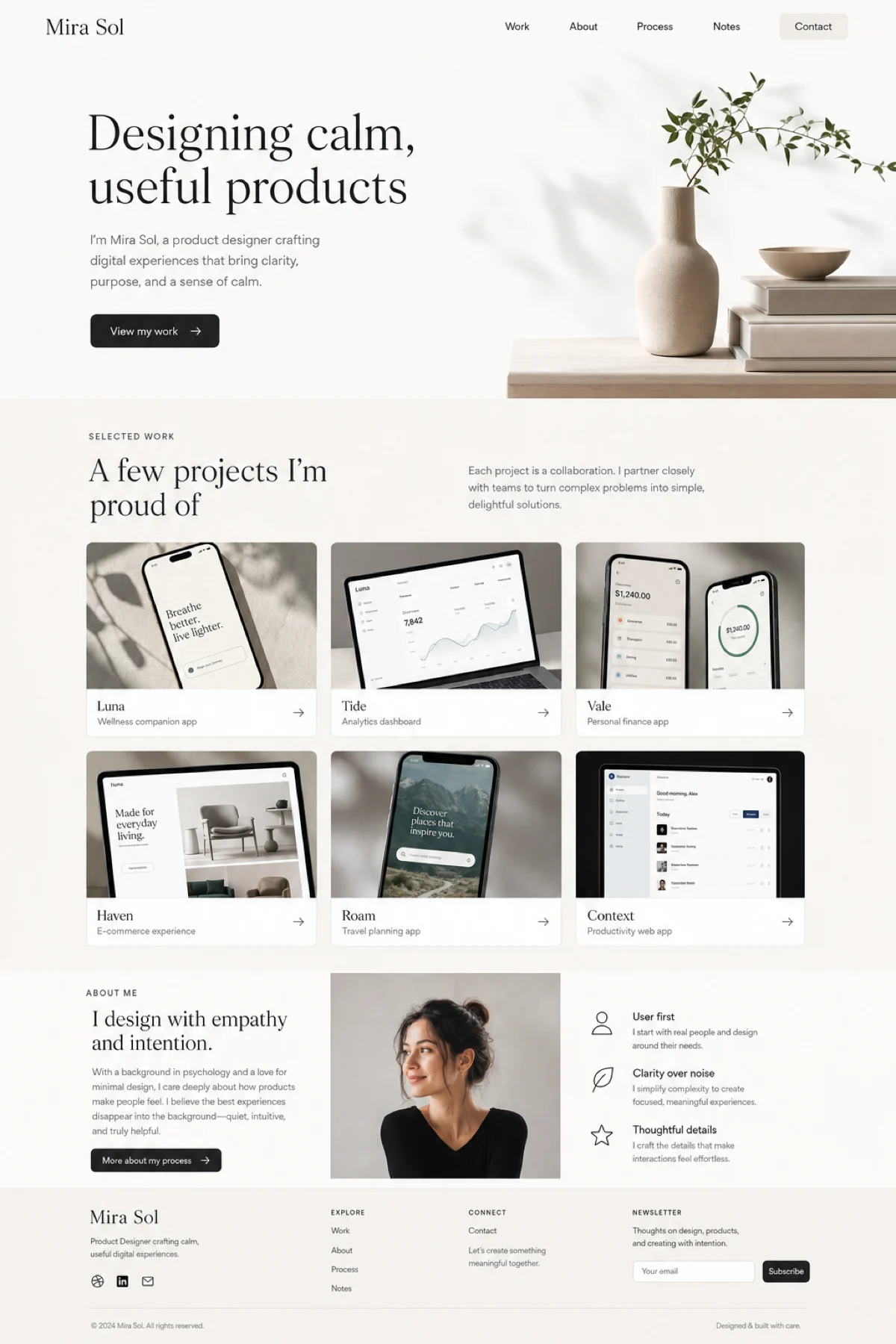
Personal Portfolio
Personal Portfolio
A clean portfolio for work, selected projects, and a short personal story.
Start with this idea →Choose one of five practical starting points. Each guide opens Venzato Studio with a pre-filled idea you can change.

A clean portfolio for work, selected projects, and a short personal story.
Start with this idea →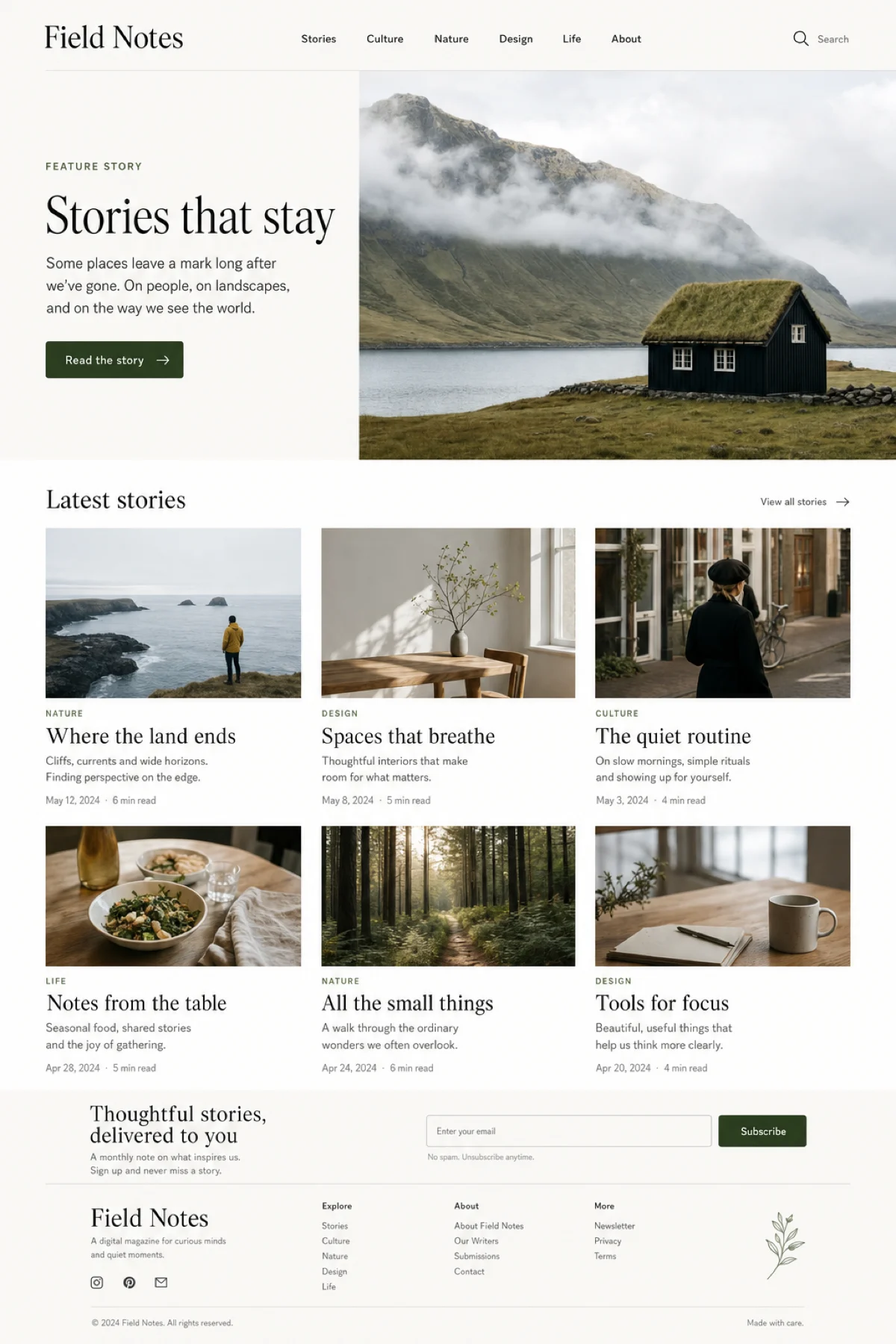
An editorial layout for essays, features, interviews, and recurring stories.
Start with this idea →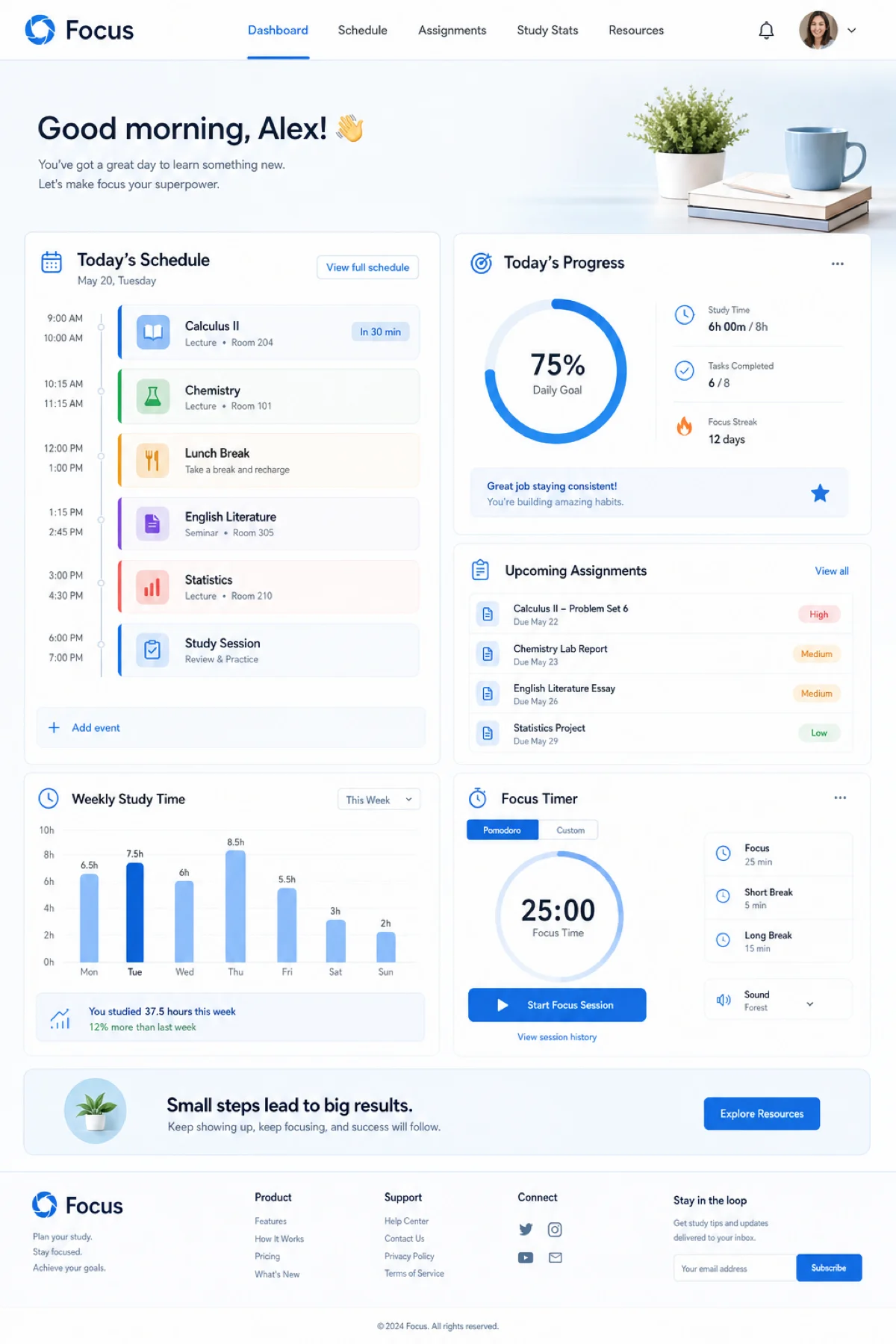
A focused planner for subjects, tasks, deadlines, and daily progress.
Start with this idea →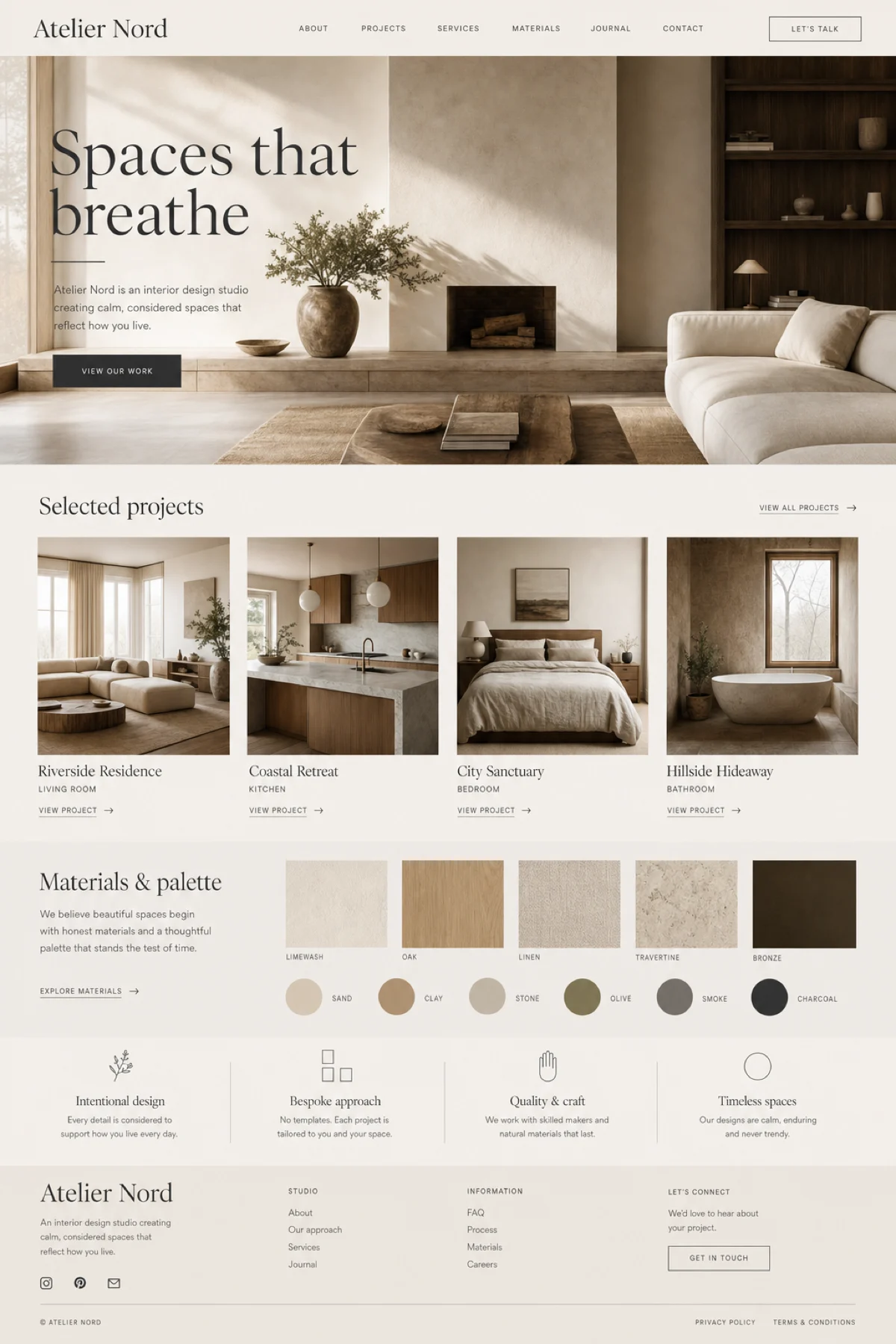
A welcoming space for members, discussions, shared work, and discovery.
Start with this idea →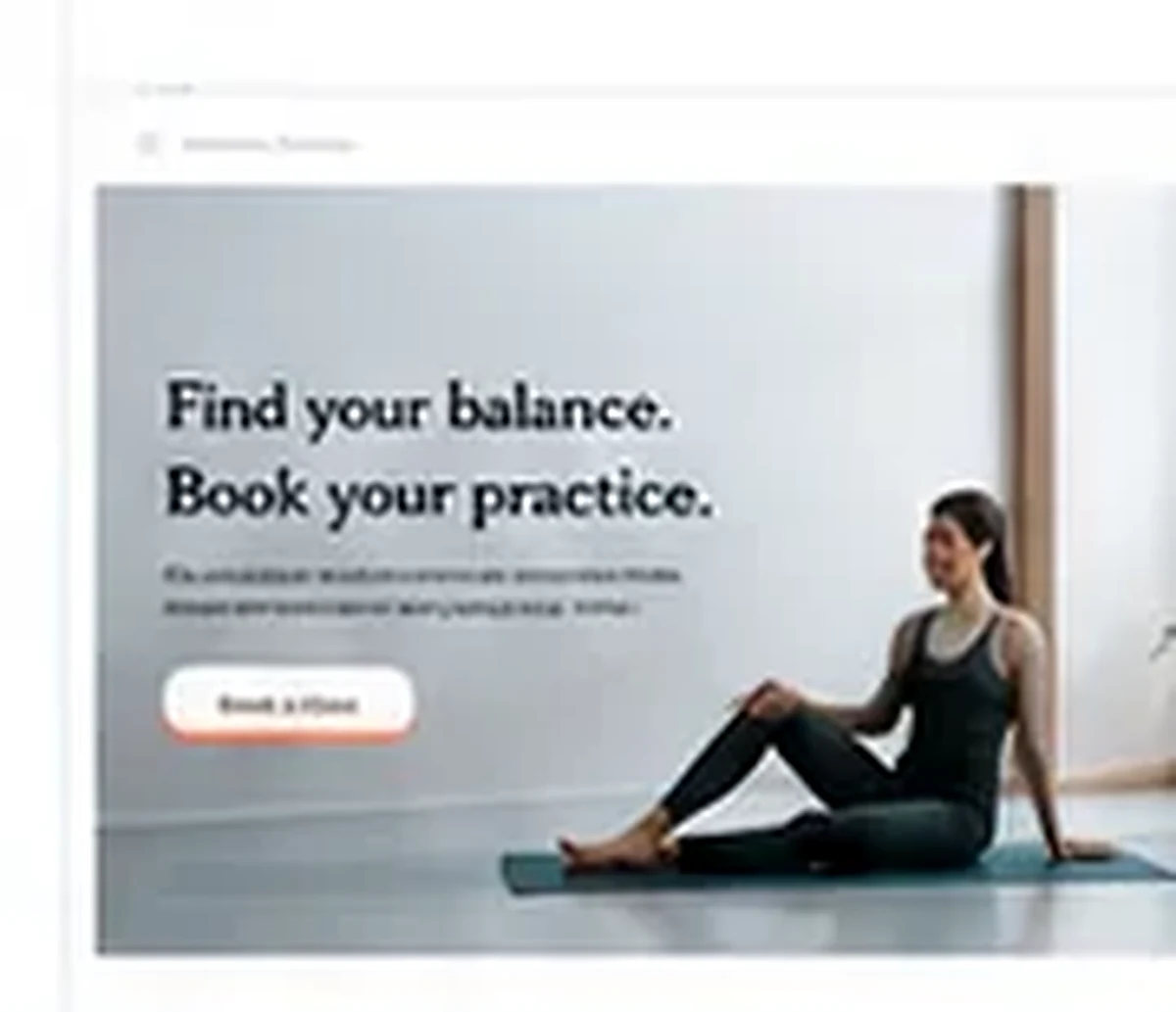
A calm booking flow for classes, instructors, schedules, and availability.
Start with this idea →A guide provides useful structure. You still decide the audience, content, visual direction, and final publishing details.
Before opening Studio, write down who the project is for and what that person should do first.
Check the generated structure before changing small visual details. Ask for one clear change at a time.
Complete the project with real content and test the paths that visitors will use.
Every guide link opens Venzato Studio with an editable idea. You can change the project type, content, structure, and visual direction after it opens.
Open Venzato Studio